|
Welcome,
Guest
|
|
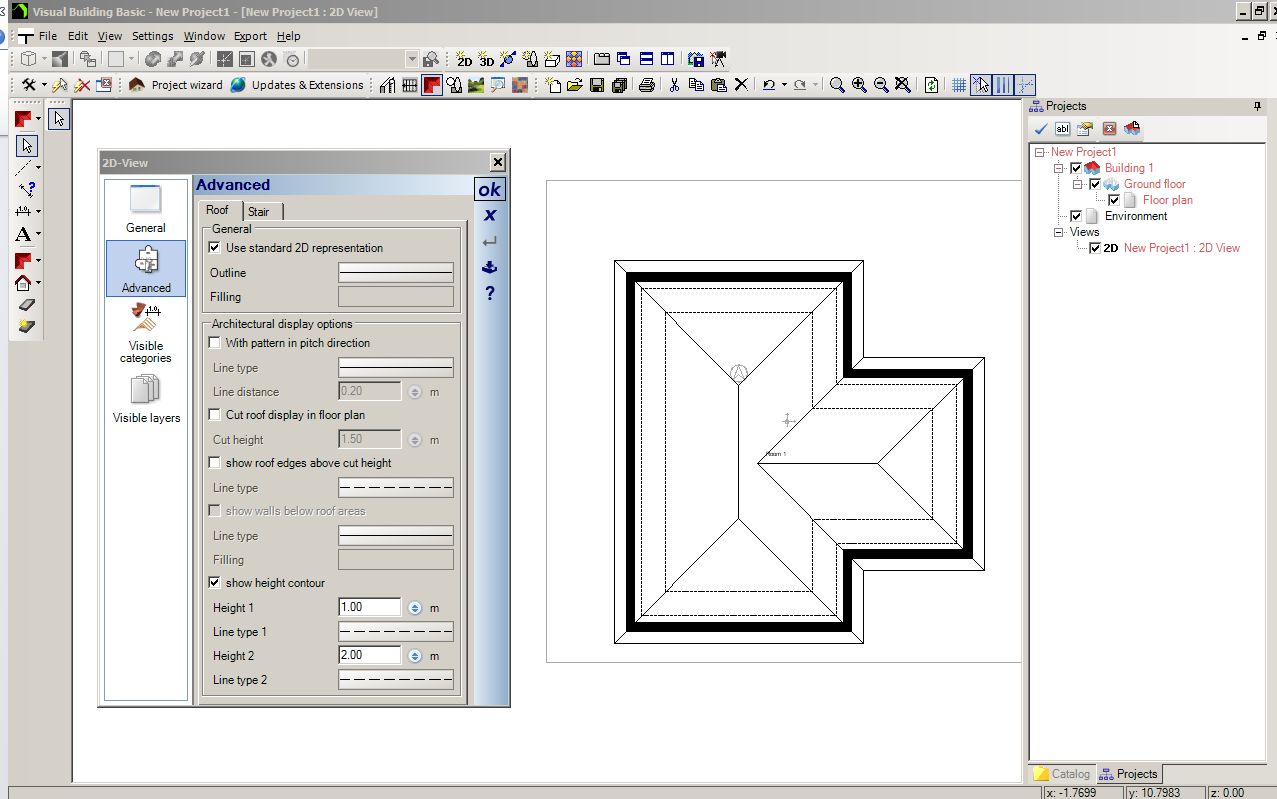
Right click in the 2D view to activate context menu and select Properties.
The 2D View Properties dialog will then display. Select the Advanced tab, and at bottom of dialog select Show Height contour. You can select the heights that you want the contour to display at, and also the line style to show in the 2D plan. Height contours are of special interest to those concerned with an attic conversion or extension, as it gives you a better understanding of the useful living area under a pitched roof. This a useful dialog to know about if you want to change how your roof looks in the 2D view, allowing you to hatch it or fill it with colour. |