Visual Building Basic
£39,-
- Download Version
- Download Size 1,8 GB
- Windows 10 and 11
- Manuals and Help Files included
- Example Projects included
- 10 Languages included
Visual Building Basic: The Easiest Way to Design Your Dream Home
Are you planning a home renovation, a simple room makeover, or a small extension? Before you pick up a sledgehammer or hire a contractor, you need a plan.
Visual Building Basic is the perfect entry-level 3D home design software designed specifically for homeowners and DIY enthusiasts who want professional results without the steep learning curve.
Visualize Your Ideas Instantly in 3D
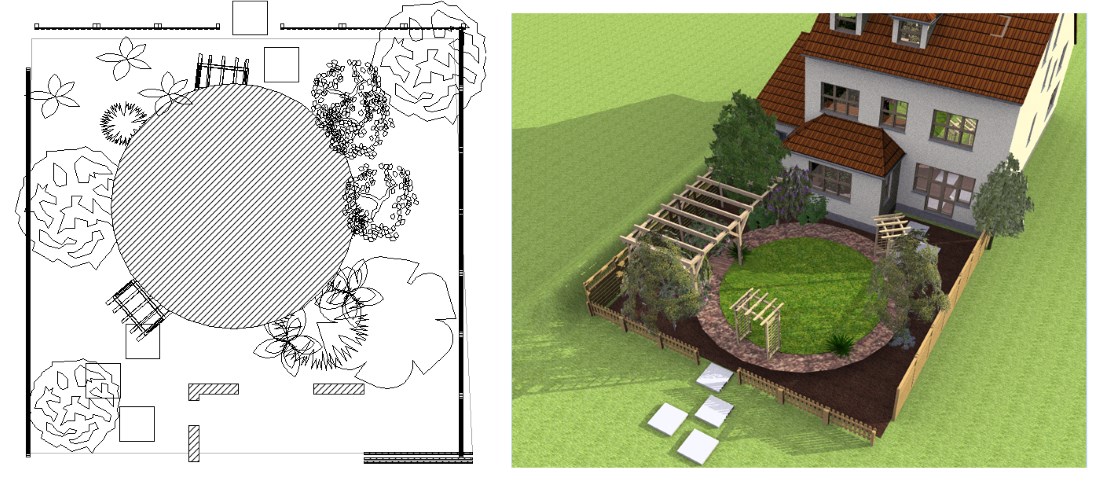
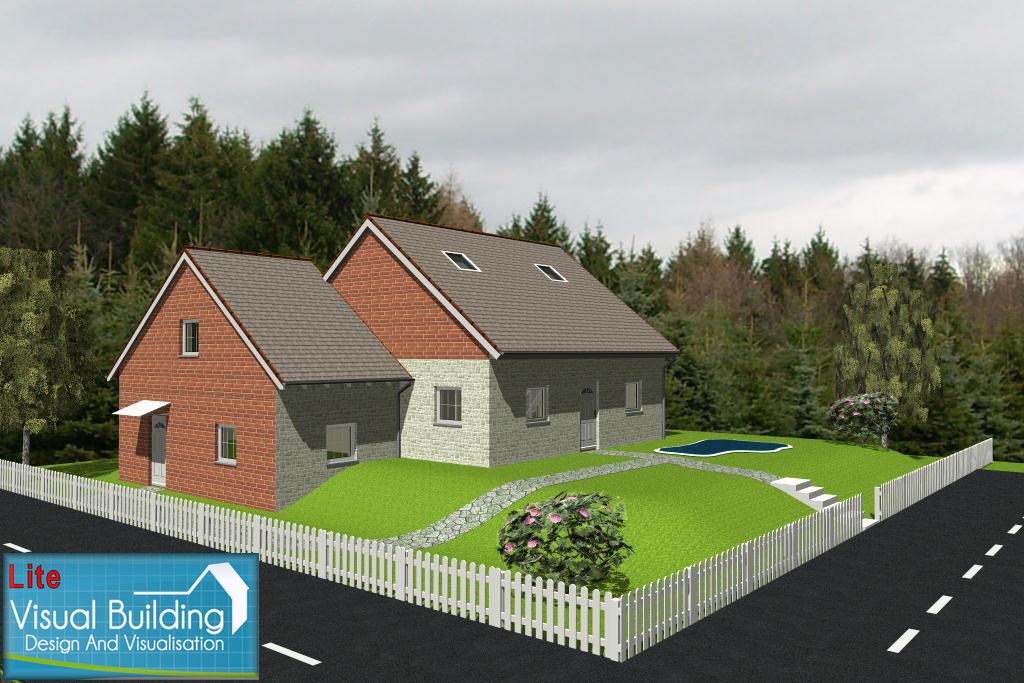
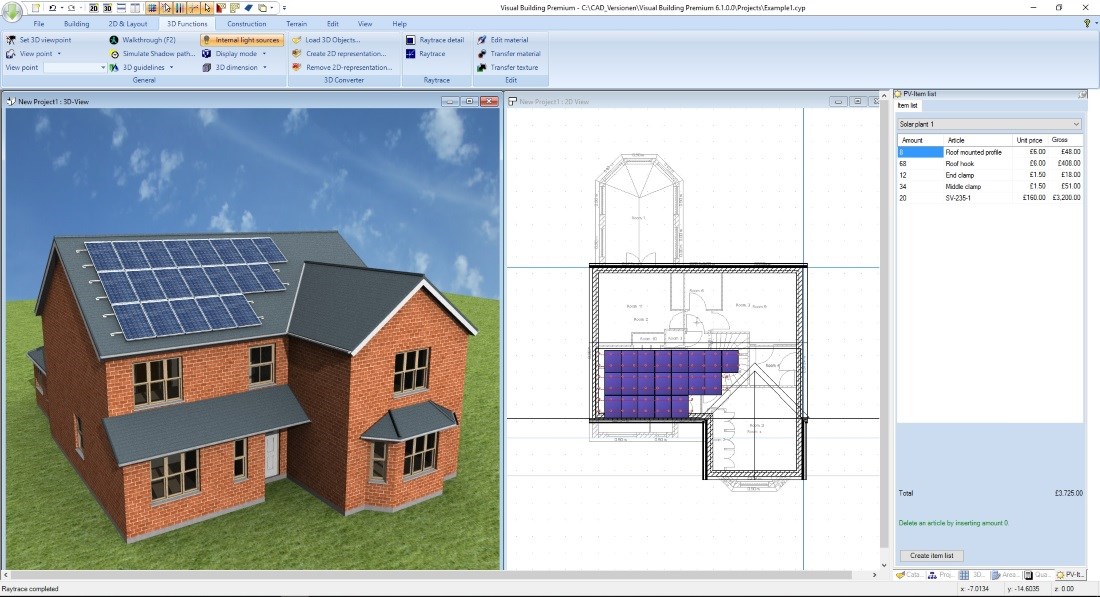
Visual Building Basic bridges the gap between a rough sketch and a professional 3D model. Our intuitive interface allows you to draw your floor plans in 2D while the software simultaneously builds a 3D building model. This real-time synchronization means you can see exactly how your changes affect the space, lighting, and flow of your home instantly.
Ready to see it in action?
Experience the power of easy home design with our free trial version. Download the Free Trial from our download menu
Key Features of the Basic Version
Easy 2D to 3D Workflow: Draw walls, windows, and doors in 2D and watch your 3D building model grow in real-time.
Extensive Object Library: Furnish your rooms with a wide range of 3D objects, including furniture, kitchen units, and bathroom fixtures.
Accurate Measurements: Ensure your furniture fits before you buy it. Visual Building Basic uses precise scaling to give you a realistic sense of space.
Light and Shadow Analysis: Use the solar study tool to see how natural light enters your rooms at different times of the day.
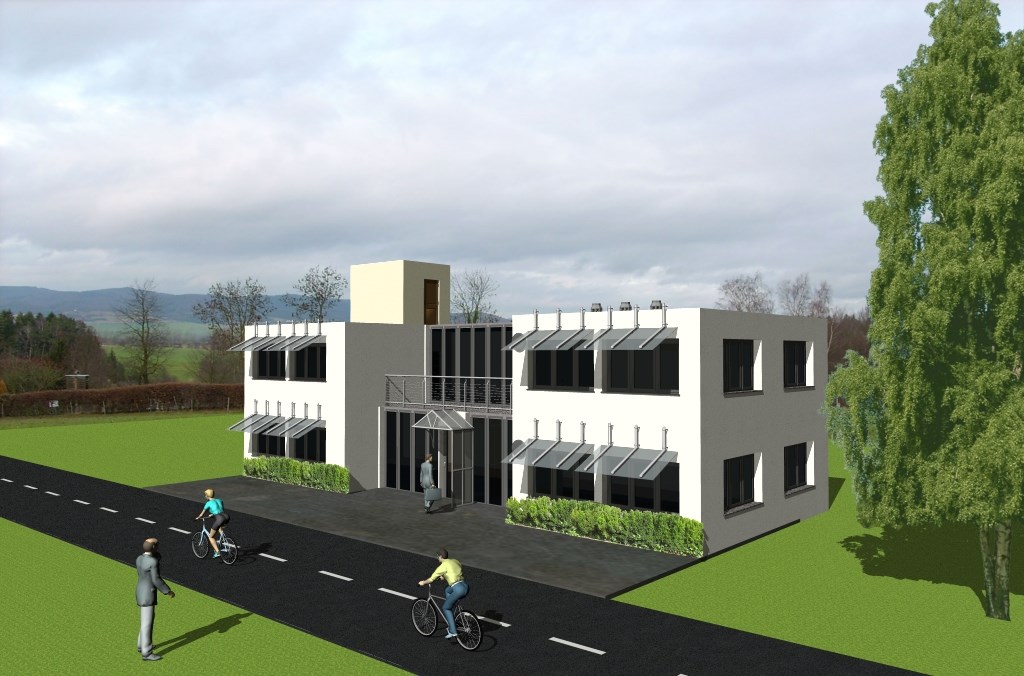
High-Quality Image Export: Create high-quality images of your designs to share with family, friends, or builders.
Why Choose Visual Building Basic?
Many CAD programs are either too simple to be useful or too complex for a non-professional. Visual Building Basic is the "sweet spot." It provides the essential tools you need to communicate your ideas clearly without the high cost of professional architectural suites.
Running smoothly on Windows with just 4GB of RAM, it is accessible to almost any modern PC user. Best of all, we offer a perpetual license—pay once, and the software is yours forever. No monthly subscriptions, no hidden fees.
Frequently Asked Questions
Visual Building products are designed to run efficiently on most modern Windows PCs. We recommend a Windows-based system with at least 4GB of RAM and a dedicated graphics card (GPU) for the best 3D performance, although standard onboard graphic cards work well in most cases with standard planning projects.