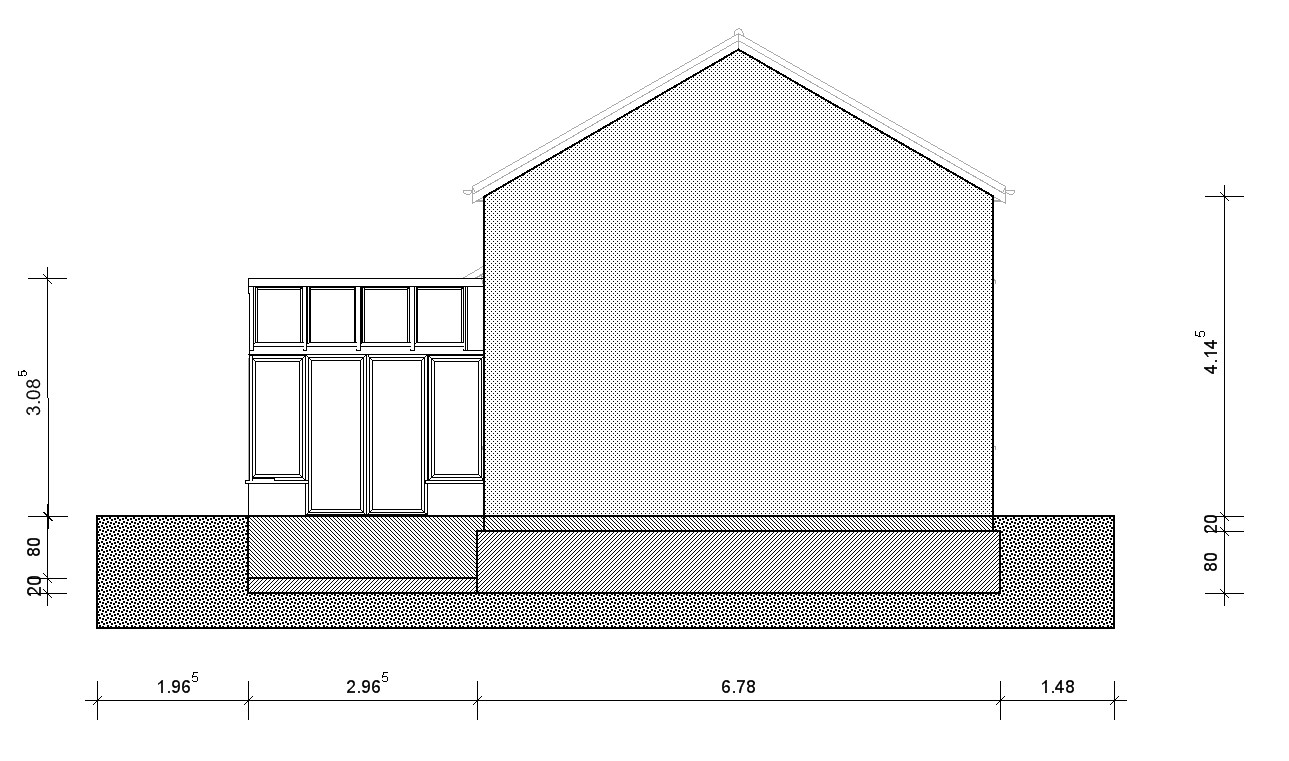
For the 2D elevations, I assume you need something like this:
This can be achieved by drawing a 2D rectangle over the area that you want to texture and filling that rectangle with a texture. You can fill the 2D rectangle with either a mono fill pattern or a texture. At the moment the fill pattern is limited to that supplied with Windows.
You can also create your own texture and apply that texture, but their are lmitations on sizing the texture so you would have to create the texture to fit.
You can also use the Surface area Element to draw an area to be filled (Construction tab - Surface Editor) but this has the same limitations on the fill patterns available.
You could also draw a single tile Or a row of tiles) to the size / colour you want and create a 2D symbol from it and then import the 2D symbol and using multiple copy tool replicate it over a sureface.
See also:
2D Graphic
See also: Wish list:
Fill patterns